Data recovery and disk repair questions and discussions related to old-fashioned SATA, SAS, SCSI, IDE, MFM hard drives - any type of storage device that has moving parts
August 29th, 2016, 6:18
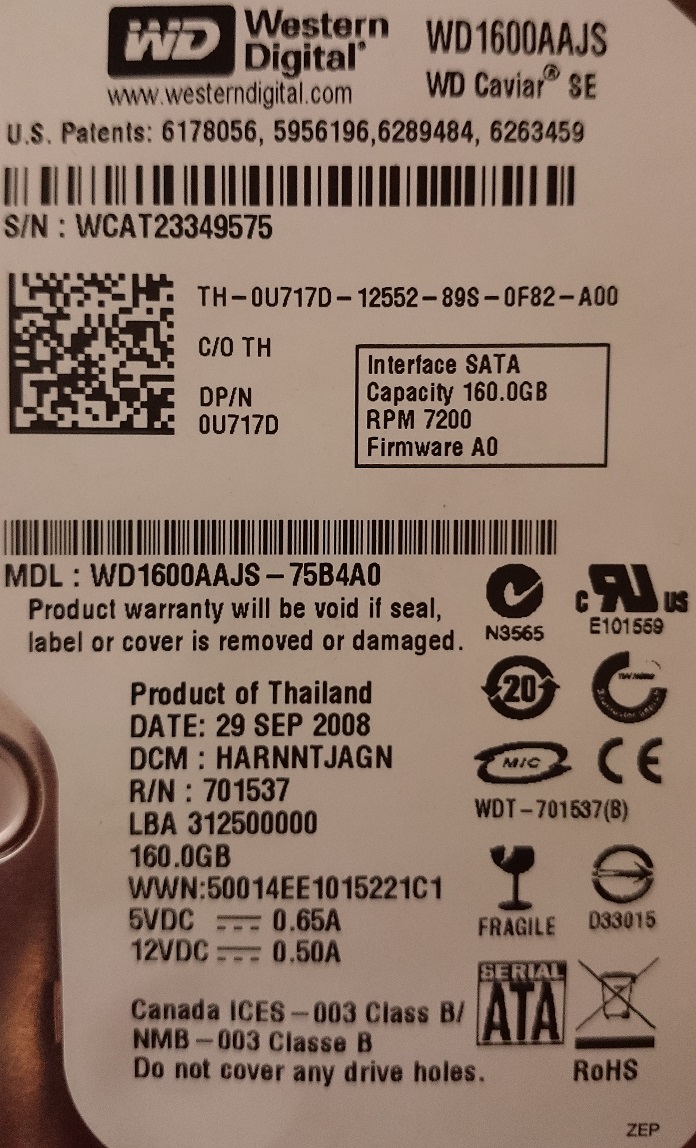
Hi, I've got a problem with a drive and I would like to recover some data from it.
Here's how it works:
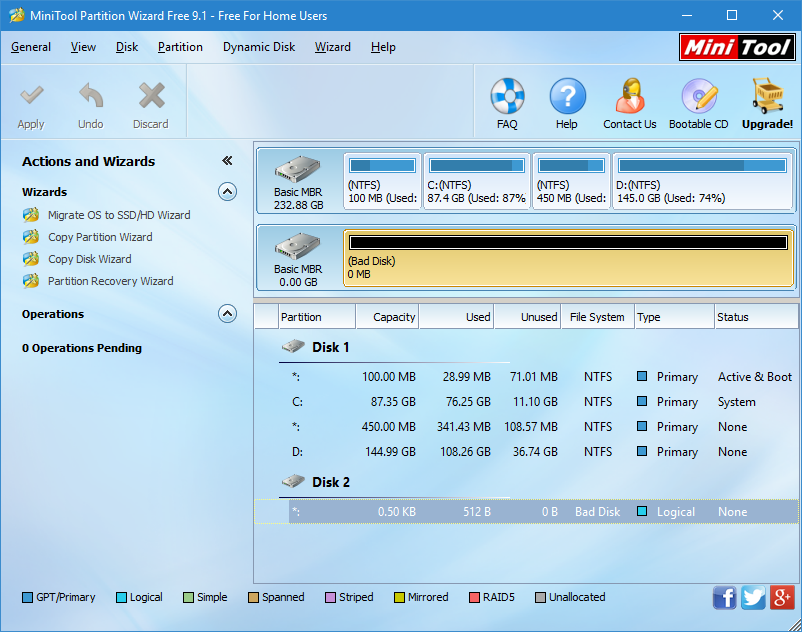
MiniTool Partition Wizard says "Bad Disk"
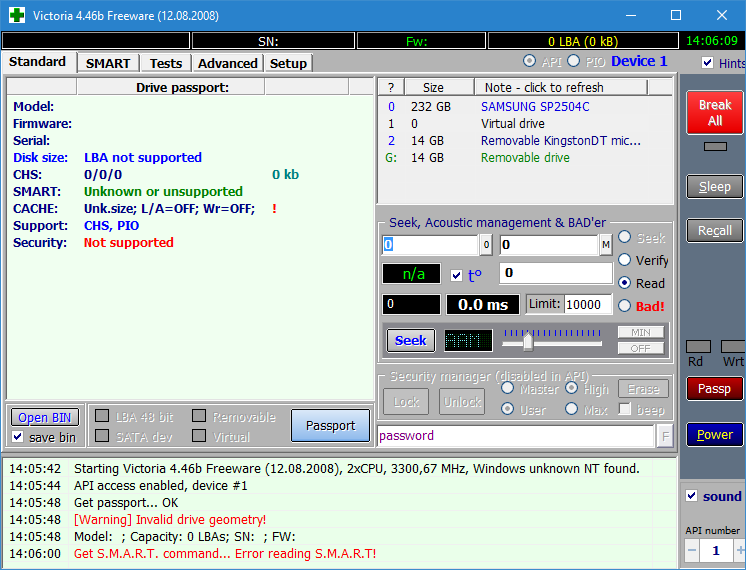
MHDD says it doesn't support LBA
HD Tune lists the disk as (0mB) and crashes if I click it
Victoria (not bootable) said [Warning] Invalid drive geometry
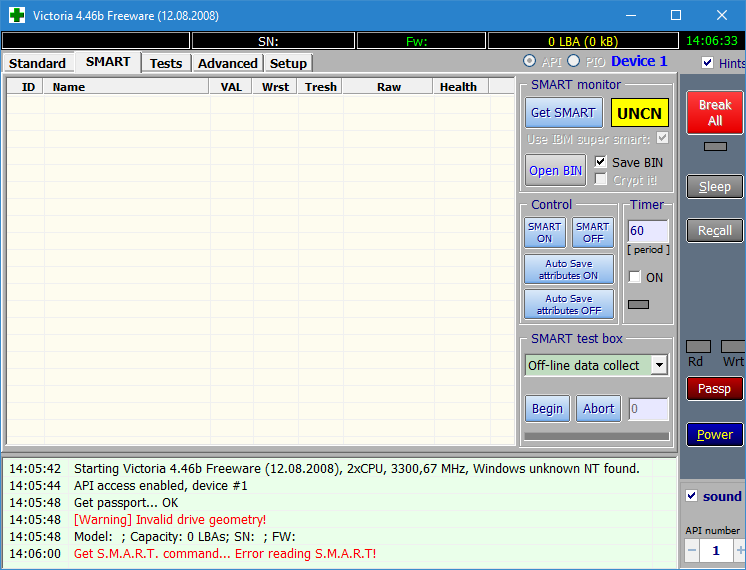
TestDisk and HDDScan also failed to get even S.M.A.R.T.
It doesn't click or make any strange noises.
Is there a way to let it work?
http://obrazki.elektroda.pl/7091645600_1472298837.jpghttp://obrazki.elektroda.pl/3866126400_1472299666.pnghttp://obrazki.elektroda.pl/4655042900_1472299667.pnghttp://obrazki.elektroda.pl/5444825300_1471603404.pnghttp://obrazki.elektroda.pl/8631803300_1471603403.png
August 29th, 2016, 11:11
Assuming the drive spins up, try dumping its firmware resources. There is possibly a damaged firmware module.
You could use the following HDDSuperTool script:
http://www.sdcomputingservice.com/hddsupertool/scriptshttp://www.sdcomputingservice.com/hddsupertool
August 29th, 2016, 11:20
Before you start messing around with your drives FW, ask yourself if you can afford to permanently lose the data on the drive forever. One mistake in editing the firmware can make recovery impossible later, even for professionals. Right now pro recovery might only cost $300-700. I'm not saying you shouldn't DIY, just that you need to think hard about it before you start messing around.
August 29th, 2016, 11:49
Dumping the resources is readonly. Nothing to worry about.
August 29th, 2016, 12:35
fzabkar wrote:Dumping the resources is readonly. Nothing to worry about.
The question is if there is unusual noise coming from the drive (clicking beeping etc.).
August 29th, 2016, 15:35
Information you share good