Hi.
I have had a WD20EARS for a long time that has served me well as a storage drive.
A few months ago, my computer started hanging at the "windows screen" during boot. I thought my motherboard was dead but it turned out that disconnecting this drive made everything normal again.
At first, I did not give too much thought to the loss of this drive as I thought there were only run of the mill downloads on it. But with time, I could think of more and more things that are on this drive and for which I had no backup. I have finally bought a 2To drive for backup and I'm ready for tweaking. Which got me here...
So the drive makes no unusal sound. It powers up. I would just say it is much quieter than a normal drive but I guess that's normal as I cannot really put it to work.
It is always recognized in the bios with the right name.
Attachment:
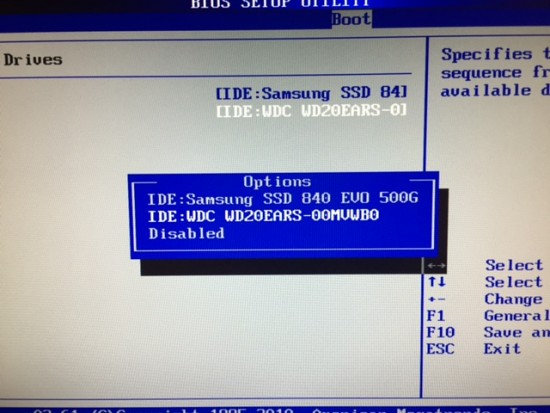 IMG_5815.JPG [ 116 KiB | Viewed 6165 times ]
If I start to boot on it, it says (as expected: it is not and has never been a boot drive):
Attachment:
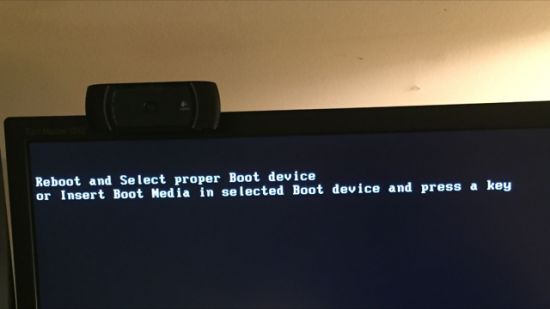 IMG_5816.PNG [ 282.62 KiB | Viewed 6165 times ]
If I boot with the disk connected (same behaviour with different sata cables and connectors that work perfectly with other HDDs), windows hangs which seemed for and infinite period of time but yesterday, after between one hour and three hour of hanging (I wasn't there) it started a chkdsk on the drive that was super super slow:
Attachment:
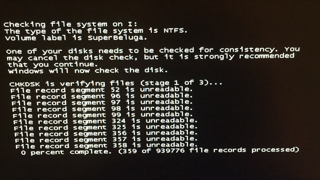 IMG_5818.PNG [ 100.79 KiB | Viewed 6165 times ]
and 47 minutes later (to give a sense of speed):
Attachment:
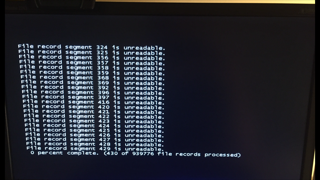 IMG_5817.PNG [ 92.48 KiB | Viewed 6165 times ]
I interrupted it.
Finally, if I boot and connect the drive afterwards, I can sometimes see the drive in windows but can never access the data (it hangs), I can also see it on disk management although I have to connect it after disk management is loaded otherwise it hangs when I launch it. It then shows one partition of the right size which is what is expected.
I can also see it on a laptop from a USB2 external enclosure but no data is accessible.For usually a brief period of time before it hangs, I can access the "properties":
Attachment:
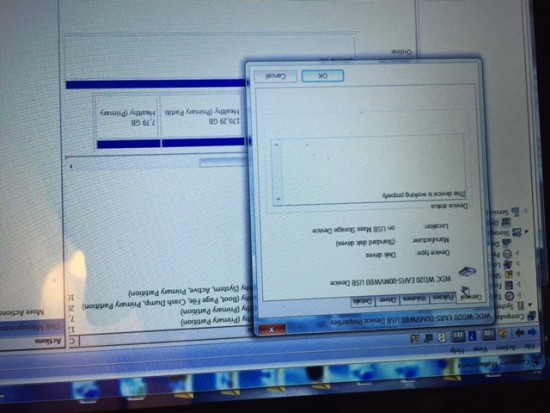 IMG_5814.JPG [ 123.49 KiB | Viewed 6165 times ]
Attachment:
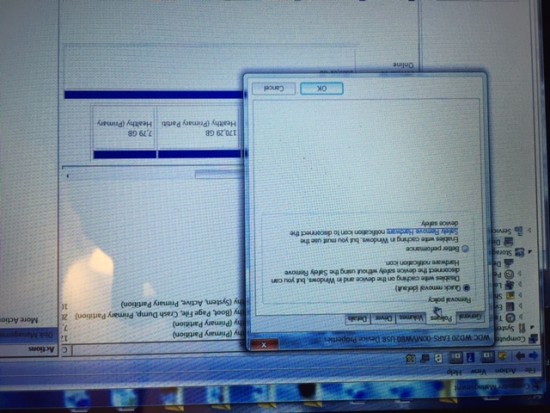 IMG_5813.JPG [ 142.69 KiB | Viewed 6165 times ]
Attachment:
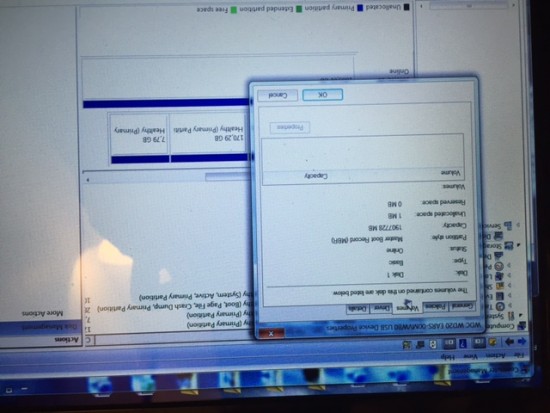 IMG_5812.JPG [ 108.22 KiB | Viewed 6165 times ]
Attachment:
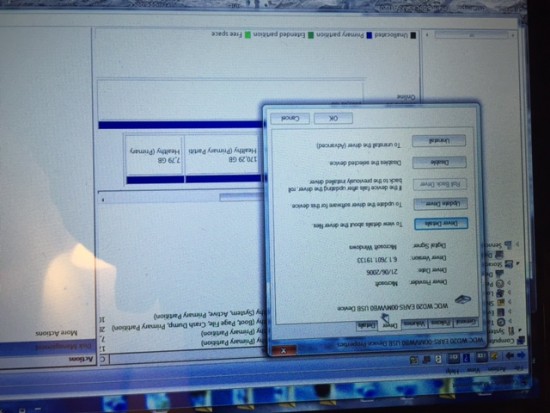 IMG_5811.JPG [ 121.63 KiB | Viewed 6165 times ]
Attachment:
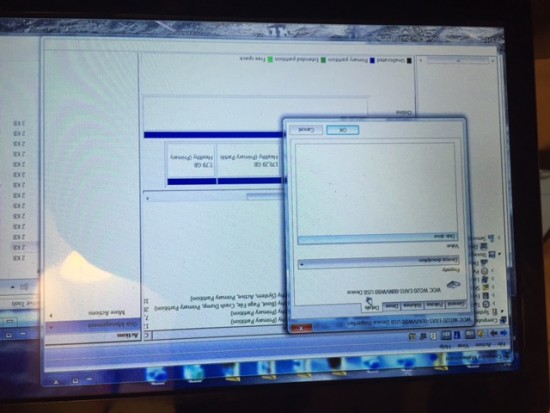 IMG_5810.JPG [ 105.78 KiB | Viewed 6165 times ]
So first, thanks if you've read through here! Second, if you have any suggestions as to what I should do/try next or any insights about what my hdd's ailment is, I'm all ears! Thanks in advance.



 FAQ
FAQ Search
 Login
Login Register
 HDDGURU FILES

