Page 1 of 2
SP SSD S55
Posted: July 12th, 2019, 10:55
by ddrecovery
Anyone had experience with these SSD's. Pretty sure its FW as it goes BSY trying to read a sector.
Drive does ID with full volume.
I am able to get it into Safe mode, but as its not supported by PC3000.
IDs as a Seagate, but not sure it is as it has no com port like the other Seagate SSD's.
Controller is SM2258XT, but after Safe mode activated IDs as SM2258SB.
Re: SP SSD S55
Posted: July 12th, 2019, 11:14
by HaQue
I had one and dumped NAND but looked encrypted. I don't like Silicon Power stuff, always been a pain
Re: SP SSD S55
Posted: July 12th, 2019, 11:20
by melvin
Had it few days ago. No solution yet. Ace doesn't know if or when it will be supported.
Re: SP SSD S55
Posted: July 12th, 2019, 11:23
by ddrecovery
HaQue wrote:I had one and dumped NAND but looked encrypted. I don't like Silicon Power stuff, always been a pain
Okay thanks, saves me desoldering it

Re: SP SSD S55
Posted: July 12th, 2019, 11:25
by ddrecovery
melvin wrote:Had it few days ago. No solution yet. Ace doesn't know if or when it will be supported.
Many thanks.
Re: SP SSD S55
Posted: July 12th, 2019, 19:46
by fzabkar
I'm wondering whether the following trick would work for this particular case:
In-circuit recovery of SSDs with "weak" NAND:
http://www.hddoracle.com/viewtopic.php?f=106&t=2740I could help if someone would be willing to have a go.
Re: SP SSD S55
Posted: July 12th, 2019, 19:51
by ddrecovery
It is possible. I did see that link on another forum. I will study the post and let you know the findings if the client is prepared to wait.
Re: SP SSD S55
Posted: July 12th, 2019, 20:07
by fzabkar
The good thing about this PCB is that all 3 supply voltages have zero-ohm links between the Vouts and their respective loads. One would only need to identify the NAND supplies (by measuring the voltages at the zero-ohm links), then remove the appropriate link and connect a variable external supply to the load side of the link.
Re: SP SSD S55
Posted: July 12th, 2019, 20:51
by ddrecovery
Sounds like this is a perfect candidate. I am out of the office now, but will get back to you once I have done some measuring. Thanks.
Re: SP SSD S55
Posted: July 12th, 2019, 21:44
by fzabkar
I'm wondering whether you could use the variable voltage feature of your flash tool(s) to generate the external voltage for your PCB's single NAND chip. I think there should be no problem with the current draw.
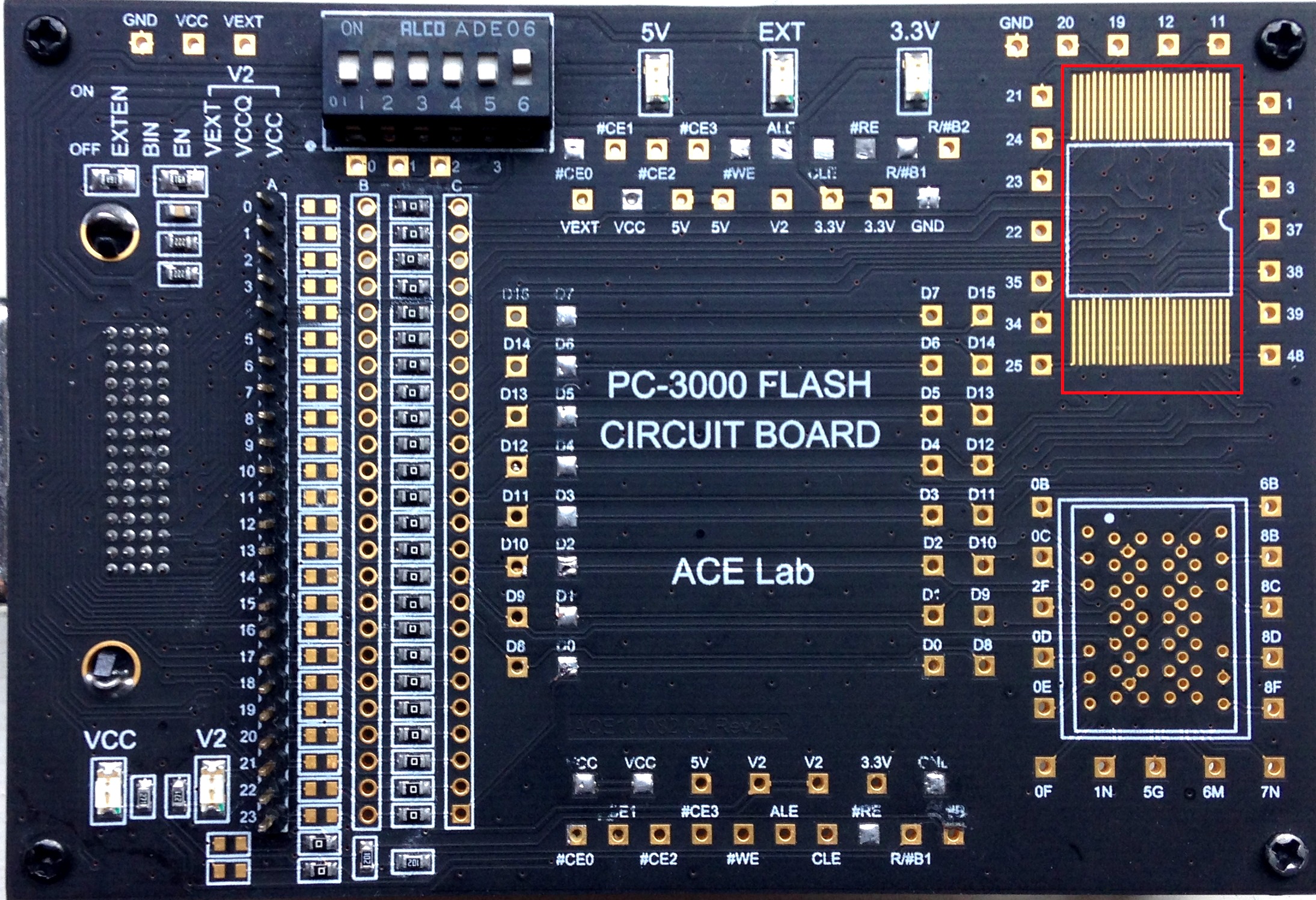
http://blog.acelaboratory.com/wp-content/uploads/2015/10/IMG_5844.jpgBTW, while researching Ace's adapter, I found this thread:
https://forum.acelaboratory.com/viewtopic.php?t=9419Whatever you do, don't follow the pinout advice of Roman_TS. I think he had a serious brain fart.

Re: SP SSD S55
Posted: July 12th, 2019, 21:56
by ddrecovery
I hadn't seen that post before. I know Roman pretty well I will have a word in his ear.
I have a few options for power supply, I have PC3K Flash. VNR and FE readers. I also have a DCPS I use for phones.
Re: SP SSD S55
Posted: July 13th, 2019, 1:45
by fzabkar
I've just been reading this thread about DRAM-less SSDs:
https://forums.tomshardware.com/threads/dram-cache-ssds.3497845/popatim wrote:These drives use a dynamic method of caching the writes which uses the 3D TLC flash in SLC mode. So as long as there is adequate room on the drive, you will have good write performance. Just make sure you leave empty space on the SSD for this and other internal housekeeping tasks (such as garbage collection).
DRAM is only good for large writes and dynamic SLC mostly eliminates the need for it.
The Silicon Power SSD in our thread has a capacity of120GB, yet all my searching suggests that its single NAND flash IC (29F01T2ANCMG2) has a capacity of 192GiB. Normally this would imply that there is a great deal of overprovisioned space. Instead it would appear that much of this extra space may be used as a "dynamic SLC cache" to compensate for the absence of DRAM.
This begs the question, does SLC cache complicate chip-off recoveries?
Re: SP SSD S55
Posted: July 13th, 2019, 5:08
by HaQue
Not so much complicate it but at the time it fails you potentially lose more
Re: SP SSD S55
Posted: July 29th, 2019, 16:32
by ddrecovery
fzabkar wrote:The good thing about this PCB is that all 3 supply voltages have zero-ohm links between the Vouts and their respective loads. One would only need to identify the NAND supplies (by measuring the voltages at the zero-ohm links), then remove the appropriate link and connect a variable external supply to the load side of the link.
Lets give this a go if you are still keen.
Let me know what you want me to check and where to get us started.
Re: SP SSD S55
Posted: July 29th, 2019, 17:33
by fzabkar
I would measure the voltages at V1, V2 and V3.
After you determine which of these is the NAND Vcc supply, remove its corresponding zero-ohm link and confirm whether on not Vcc now appears on any of the nearby capacitors, including those that I have not identified.
Could you also identify the markings on the buck converter ICs?
Re: SP SSD S55
Posted: July 29th, 2019, 18:31
by ddrecovery
TVS 1 - 4.7v
TVS 2 - 3.3v
V3 - 1.8v
V2 - 3.3v
V1 - 2.1v (seems strange)
Re: SP SSD S55
Posted: July 29th, 2019, 18:55
by fzabkar
You could determine which of these voltages are required by the MCU and NAND by measuring the voltages on their bypass capacitors.
ZD4 could be the flywheel diode for the nearby regulator. If you could identify the regulator and diode markings, I could confirm this.
Re: SP SSD S55
Posted: July 29th, 2019, 19:54
by ddrecovery
ZD4 is hard to see, but looks like
ZF with a 7 on its side ie ZF 7
The ZF has one dot under it. The 7 on its side has two.
(hope that makes sense)
Regulator - S2HB 1730
MCU voltage seems like 2.1v, with the NAND at 3.3v
Re: SP SSD S55
Posted: July 29th, 2019, 20:42
by fzabkar
The "ZF" marking is used by zener diodes with conflicting voltage ratings (10V, 12V, 7.5V, etc). Searching for S2HB produces no lilkely candidates.

I don't understand why current controllers would be running off 2.1V (I would have thought 1V to be more likely), but maybe this is a red herring?
Anyway, V2 appears to be our target. I would remove the associated zero-ohm link and confirm that 3.3V is no longer present at the NAND. Then I would connect your VNR adapter's variable Vcc supply to the NAND side of the zero-ohm resistor (ie the side that now measures 0V), and connect the adapter's Gnd to SATA power ground. Then you should be good to go.
BTW, am I right in assuming that you were not able to recover the data by adjusting timeout settings in your tools?
Re: SP SSD S55
Posted: July 29th, 2019, 21:41
by ddrecovery
Correct about the timeouts. This drive goes indefinitely BSY with any interaction.